 ShopReels
Product videos
A product video for every item in your Shopify store
Video sells better than a photo, but filming and editing every product takes hours. ShopReels makes the video for you from the photos, title and price you already have.
Try it free for 7 daysNow on the Shopify App Store
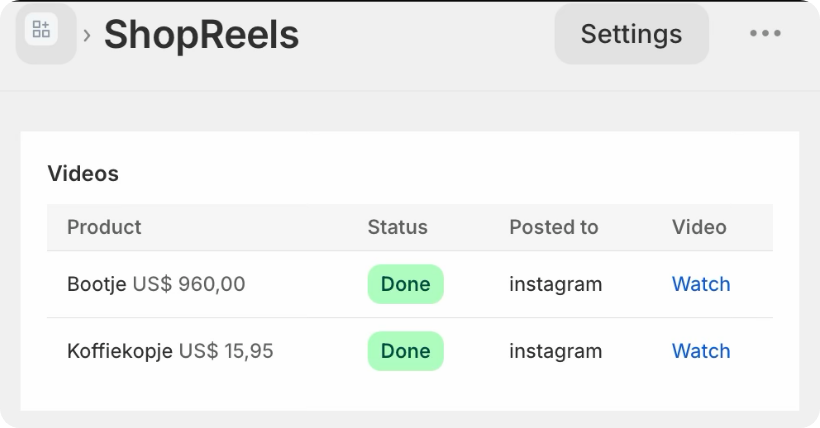
Why most stores have no product videos
- Filming takes time, a good camera and a quiet place.
- Editing, music and captions take even longer.
- New products keep coming, so the work never stops.
How ShopReels makes your product videos
- Install the appShopReels runs inside your Shopify admin.
- Add or pick a productNew products get a video automatically, or you pick an existing one.
- AI writes a short sales scriptRead by a natural voice in Dutch, English, German, French or Spanish.
- The video is readyA vertical video with up to four of your photos, the title, the price and music.
Tips for better results
Use clear photos
Three or four photos from different angles make the liveliest video.
Write a real description
The script is based on your product text, so a few honest lines about the product help.
Post often
One video for every new product keeps your channels active without extra work.
Questions
Do I need to film anything?
No. ShopReels uses the photos, title, price and description that are already in your store.
What format are the videos?
Vertical videos, the format of Instagram Reels, TikTok, YouTube Shorts and Facebook Reels.
Can I make a video for products I already have?
Yes. Pick any product in the app and press Make video.
More about ShopReels
See the plans · from $29 a month, 7 days free.