 ShopReels
YouTube Shorts
YouTube Shorts from your Shopify products
YouTube is the second largest search engine in the world, and Shorts are shown to many new viewers. ShopReels turns your products into Shorts and posts them to your channel.
Try it free for 7 daysNow on the Shopify App Store
Why Shorts help a web shop
- Shorts are shown to viewers outside your subscribers.
- Videos on YouTube can also be found through search for a long time.
- But a new Short for every product is a lot of work by hand.
How it works with YouTube
- Connect your YouTube channelOnce, on the Social media page of the app.
- Add a productOr pick an existing one in the app.
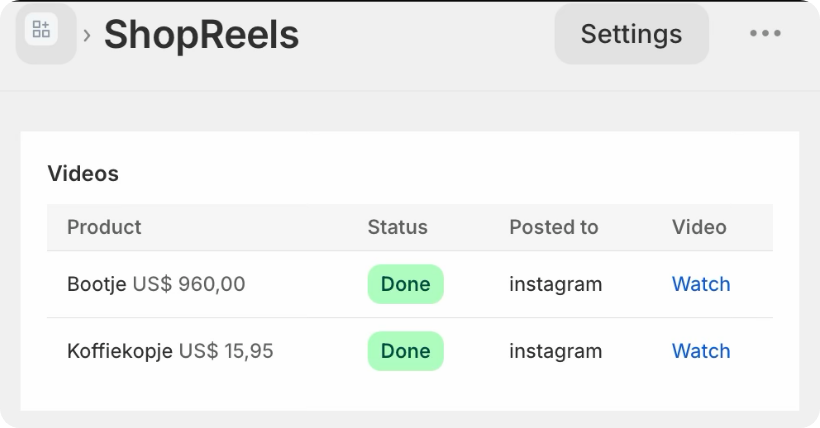
- The Short is madeA short vertical video with your photos, price, voice-over and music.
- It is postedAutomatically or with one press on Post.
Tips for better results
Verify your channel
A verified YouTube channel (a quick phone check) gets more features.
Use clear titles
Name the product and what it is for, the way a buyer would search for it.
Link to your store
Add your store link to your channel so viewers can find the product.
Questions
Will my videos count as Shorts?
Yes. They are short vertical videos, which YouTube treats as Shorts. It can take a little while after posting before YouTube lists a video under Shorts.
Does it post to my own channel?
Yes. You connect your own YouTube channel.
Which plan includes YouTube?
All plans. Starter posts to one channel of your choice; Growth and Pro post to all four.
More about ShopReels
See the plans · from $29 a month, 7 days free.